Error while logging into ITILITE

This article guides you through resolving common login errors you might encounter while accessing the ITILITE platform, including browser-related troubleshooting steps.
Step-by-Step Guide
If you are facing intermittent login errors, especially after recent browser updates, clearing your browser's data can often resolve the issue. Follow these steps:
- Navigate to the ITILITE login page: https://app.itilite.com/login.
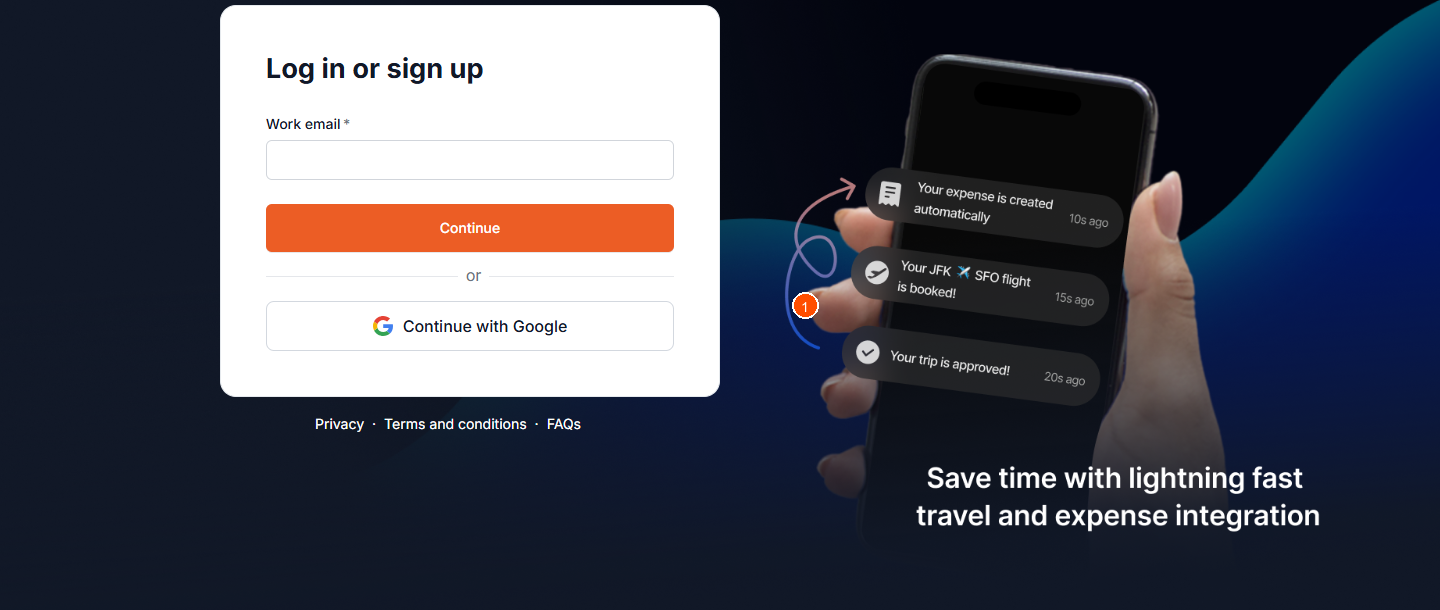
Next, clear your browser's data using the instructions for your specific browser:
For Chrome:
- At the top right, click the three vertical dots icon.
- Hover over More Tools and then select Clear Browsing Data.
- Click the arrow next to Time Range to expand the menu and select All Time.
- Ensure the boxes for Cookies and other site data and Cached images and files are checked.
- Select the Clear Data button.
For Edge:
- At the upper right corner, click on the Edge menu button (three horizontal dots) and click on Settings.
- Under Clear browsing data, click on Choose what to clear.
- Check the boxes next to Cookies and other site data and Cached images and files.
- Click on Clear now.
Pro-Tips & Guardrails
NOTE: We are aware of intermittent login issues some customers are experiencing and our Tech teams are actively working to resolve them.
PRO-TIP:If you encounter specific error messages, here's what they mean and what you can do:
- "Signup request pending": Your account is awaiting activation by your company administrator.
- "Your verification link has expired": Enter your email address on the login page to generate a new verification link.
- "Your account is inactive": Your user account or your company's ITILITE subscription may be deactivated. Please contact your company administrator for assistance.
- "Incorrect password": Double-check your password for typos. If you've forgotten it, look for a "Forgot Password" option on the login page or contact your administrator.
- "Incorrect verification code" (MFA): If Multi-Factor Authentication (MFA) is enabled, ensure you enter the correct code sent to your email. You will see an option to Resend code if needed.
- No password field visible: If your account was created via Single Sign-On (SSO), you can only log in using your company's SSO method. The password field will not be displayed.
- "Enter a valid work email": Ensure you are using a valid work email address associated with your company's ITILITE account. Personal email domains like Gmail are not supported for login.
- "We're experiencing technical difficulties. Try again in a few moments or contact support@itilite.com": This indicates a system exception error. Please try logging in again after a short while. If the issue persists, contact ITILITE Support.
- Email domain not associated with ITILITE: If you enter a valid email but the domain is not linked to an existing ITILITE company account, you will be directed to a page to request a demo or refer your company.
Verification & FAQs
After following the troubleshooting steps, attempt to log into your ITILITE account. If the issue persists, refer to the FAQs below or contact support.
Q: What does "Signup request pending" mean?
A: This means your account is awaiting activation by your company administrator. Please reach out to them for further assistance.
Q: My verification link expired. What should I do?
A: On the ITILITE login page, enter your email address and continue. The system will prompt you to generate a new verification link.
Q: I see "Your account is inactive." What does this mean?
A: This error indicates that your user account or your company's ITILITE subscription may be deactivated. Please contact your company administrator.
Q: I'm getting an "Incorrect password" error. What should I do?
A: Please ensure you are entering the correct password. If you are unable to log in, contact your company administrator or ITILITE Support for help.
Q: I can't see a password field. How do I log in?
A: If your account was created via Single Sign-On (SSO), you can only log in using your company's SSO method. The password field will not be visible in this case.
Ready to take your Travel Management to next level
A fully integrated corporate travel management software that dramatically reduces spends while improving user experience