Group

Expense and cards management - built for construction teams

Image Preloading Example Description of the image

Your crew stops chasing reimbursements, you stop getting 2 AM texts, every expense tracks to the right job code—suddenly, life’s good.

users-love-us
TravelManagement_FastestImplementation_Enterprise_GoLiveTime
Travel&Expense_Leader_Leader

Trusted by leading construction companies in the US

Item 4
Item 1
Item 2
Item 3
Item 5
Item 6

Credit Cards built specifically for construction. No reimbursements, no drama.

ITILITE corporate credit card designed for construction companies, showing virtual and physical card used to control crew spending with zero travel booking fees and custom limits

Issue cards with custom limits and controls. Crew spends directly, no personal money involved, no reimbursement paperwork chasing them forever.

ITILITE corporate credit card designed for construction companies, showing virtual and physical card used to control crew spending with zero travel booking fees and custom limits

The Three-Step Expense Process: Swipe. Confirm. Done.

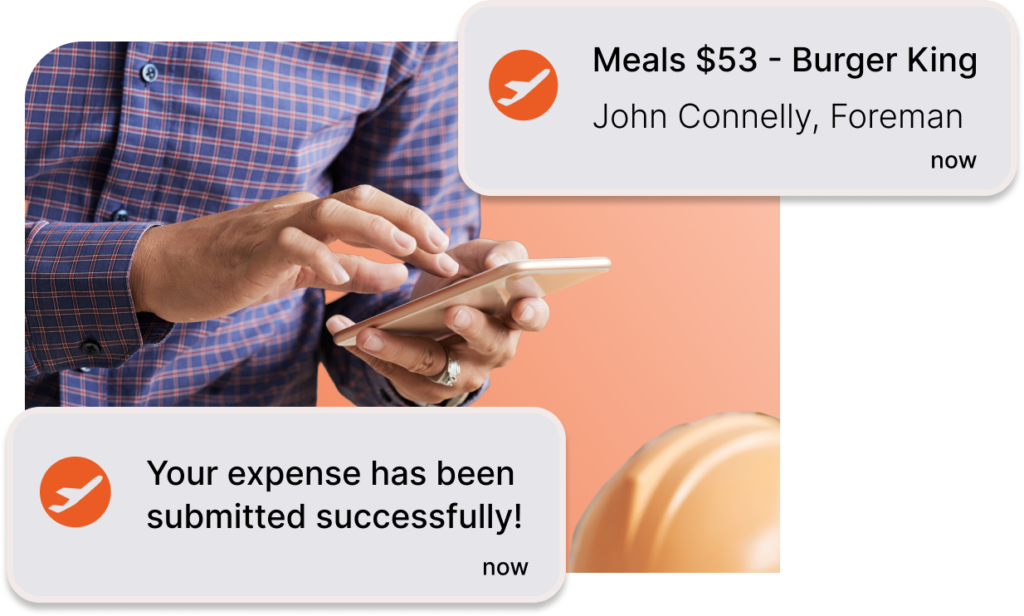
Card transactions auto-assign to GL codes and projects. Crew gets a notification, taps confirm, moves on. Finance gets reconciled data without lifting a finger.

"Prior to ITILITE we were booking on various sites, faced high response times, and job costing at the end of the month was a nightmare. ITILITE has completely eliminated all these issues with their one platform solution."
Leeann Stephenson
Chief of Staff at Contexture Inc.

Track expense at project level. Not the “guess and check” level

Dashboard showing construction expense spend by GL code and project code, highlighting automated job-code tagging and project-level cost tracking

Every transaction tags to job codes automatically. No scrambling at month-end to figure out which project ate your budget. You can even issue cards that are linked to a certain project

Dashboard showing construction expense spend by GL code and project code, highlighting automated job-code tagging and project-level cost tracking
Easy for crews

Issue cards for foremen and crews in seconds. Submit receipts from phone. Book travel for upto 25 people crew in one go.

Strong controls

Set automatic limits on cards. Setup approval flows. Track billable spend or by project code in one place. Always know people are within rules.

Real time visibility

Get real time spend data with automatic allocation to GL and project codes. Slash reconciliation time needed by your accounting teams by 90%

Never Send Another Credit Card Authorization Form

ITILITE handles credit card authorizations for you. No more admin calls to hotels. No midnight check-in delays for your crew. Just smooth arrivals.

Zero Service Fees on Travel, Zero Drama on Same-Day Bookings

Construction worker using a tablet beside an ITILITE mobile booking screen showing same-day flights for multiple travelers, highlighting zero service fees and easy last-minute travel booking with ITILITE cards.

Book with ITILITE cards and skip all service fees. Arrange same-day travel at best-in-class discounts. Last-minute jobs get last-minute travel, no premium pricing.

Construction worker using a tablet beside an ITILITE mobile booking screen showing same-day flights for multiple travelers, highlighting zero service fees and easy last-minute travel booking with ITILITE cards.

Integrations

Built to Work With Construction ERPs, Not Fight Them

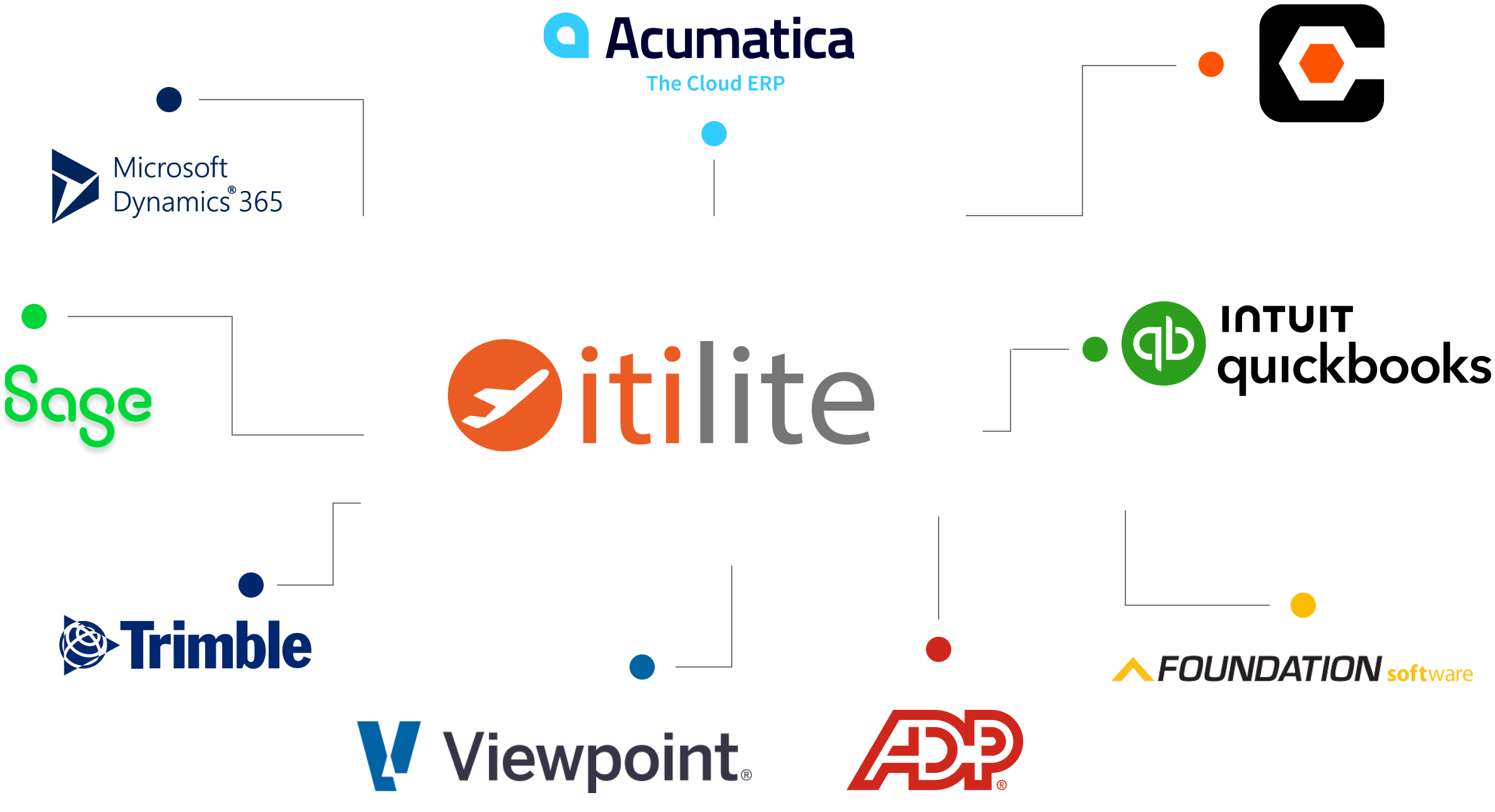
Seamless integrations with Viewpoint Vista, Acumatica, Sage 300 CRE, CMiC, and others. Expense data syncs automatically to your system. No workarounds required.

Frequently Asked Questions

Expense, Payment and Corporate Cards

1. How can employees check into a hotel without needing a personal credit card?
When you use ITILITE as your construction expense management solution, employees show only their license at check-in. Our best credit card for construction business eliminates the need for personal cards, making travel hassle-free for your field teams. Learn more about credit card authorization process automationhere

2. Does using the platform eliminate the manual credit card authorization process (CCA)?
Yes, the specialized corporate card automates the CCA process completely. This construction expense management software eliminates manual paperwork and hotel follow-up that wastes your admin team’s time.

3. Can travelers rent cars without using their personal credit card for deposits?
Yes, direct billing with rental agencies means the corporate card gets charged directly. Your crew never needs to use personal cards for deposits when you have the best credit card for construction teams.

4. Why do employees need access to card information when using the platform for booking?
After initial setup, employees typically won’t need card details. Hotels are covered via virtual cards, and flights charge to the central card automatically through our expense management software for construction.

5. How are incidental charges handled for travelers who do not carry a personal credit card?
Currently, the company covers rooms and taxes. We’re planning to enable coverage for incidental charges like parking and resort fees via payment instruction, making construction travel management even smoother.

6. Why are some hotels charging the employee’s personal card even when company payment is arranged?
This usually results from hotel front desk error or payment misrecognition. It risks potential double payment if charges aren’t tracked and reversed quickly.

7. If the hotel has payment issues upon check-in, does the traveller have a backup payment method?
Yes, travelers using the specialized credit card for construction can access a backup copy of the one-time virtual card via their mobile app.

8. If multiple approvers are listed, does only one need to approve a trip?
Yes, if multiple approvers are set in the same tier, the trip is confirmed as soon as any one of them approves the request.


Reporting and Reconciliation

1. Does the platform provide centralized financial reporting capabilities?
Yes, our construction expense management platform offers full visibility into travel spending. Management can access comprehensive, automatically reconciled reportsthat streamline accounting processes for construction companies.

2. How quickly is travel data reconciled with card transactions?
Reconciliation happens continuously and automatically. When you download reports, card transactions already match with travel and invoice details through our expense management for construction teams.

3. Can we track travel costs against specific projects or job codes?
Yes, custom fields like project codes can be added and automatically tagged during booking. This data flows directly into financial reports, giving you true construction expense management at the job level.

4. How are cashback earnings managed, especially concerning detailed job costing?
Cashback is credited monthly to the central account rather than per trip. This approach may result in skewed per-job cost reporting for detailed project tracking.

5. How can earned cashback or rebates be redeemed or used for future travel bookings?
Cashback is added as actual funds to your card or account monthly. There’s no complex points system—the funds are available for spending directly.

6. Can custom fields like project numbers be used for financial reporting and tracking spend?
Yes, custom fields set up during the booking flow appear in reports. This helps finance teams track travel expenses against specific projects when using construction travel management tools.

Operational Efficiency and Process

1. How quickly are flight changes and cancellations usually resolved? Resolution times for changes typically target 60 minutes. This addresses the common construction industry need for fast support when job sites shift unexpectedly. 2. How does the system handle frequent last-minute or same-day booking requirements? Immediate support is available via chat or call for same-day requests. Our construction travel management system quickly handles payments and confirmations to prevent check-in issues for your crews. 3. Can I book flights for multiple travelers simultaneously? Yes, you can book for multiple travelers at once through the system interface. Airlines typically allow up to nine people per booking. 4. Will employees still be able to earn their personal loyalty points when booking travel? Yes, if personal membership numbers are added to the user profile, the system automatically applies them to bookings for accruing points. 5. Where can I find and download invoices and booking vouchers? Booking confirmations are sent via email immediately. Invoices are accessible on the Admin side under the Finance tab for easy review and reconciliation. 6. What recourse is available if a hotel refuses to acknowledge the company payment or booking? Contact support via chat or phone to re-verify the booking and payment status with the hotel. We quickly resolve front desk disputes so your crew isn’t left waiting. 7. How can we manage user access for employees who have left the company? Administrators can easily deactivate a user’s profile on the admin interface, ensuring immediate termination of platform access for former employees. 8. Is there a way to view all cancelled flight credits in one place? Yes, administrators can pull an unused airline credit report showing all outstanding credits, amounts, and expiration dates. This helps you track and utilize credits before they expire. 9. When managing bookings for others, does the system track who made the reservation? Yes, the best credit card for construction business systems automatically track who booked the travel (the arranger) and who the travel is for (the traveler). 10. How long does it usually take to set up and go live with the platform? Typically, setup takes around five days. Timeline depends largely on scheduling calls for policy configuration and loading users into the construction expense management software.

Policy and Approvals

1. Are travel policies strictly enforceable, or are they guidelines for employees?
Policies act as visual aids in our expense management for construction platform. Bookings exceeding set limits are flagged as out of policy and automatically trigger mandatory approval. You can find out more about ITILITE’s policy and approvals here

2. What causes a travel booking to be flagged and sent for approval?
Approval is triggered when bookings fall outside established policy parameters, such as exceeding budget limits, booking restricted class, or other set criteria.

3. How can employees book higher-priced rooms or flights than the set policy allows?
Booking over policy is possible. The system flags the item, and users must submit the trip for managerial review and approval before confirmation.

4. Can different departments or employee levels have different policies and approval flows?
Yes, policies are highly configurable. They can be segmented by employee level (executives versus staff) and team for tailored rules that match your construction company’s structure.

5. If multiple administrators are set up, will all of them receive every approval request email?
No, approval flows can be configured to send notifications only to specific designated approvers or multiple people simultaneously for coverage and backup.

Business travel tool

Only pay for what you use

star

Start saving 30%+ on travel now!

Simplify your travel and expense management process!